- Web Development
My Web Development Journey: From Front-End Beginnings to What's Next
From my early days in front-end development to building WordPress websites and exploring modern technologies, here's a look at my journey, the lessons I've learned, and what comes next.
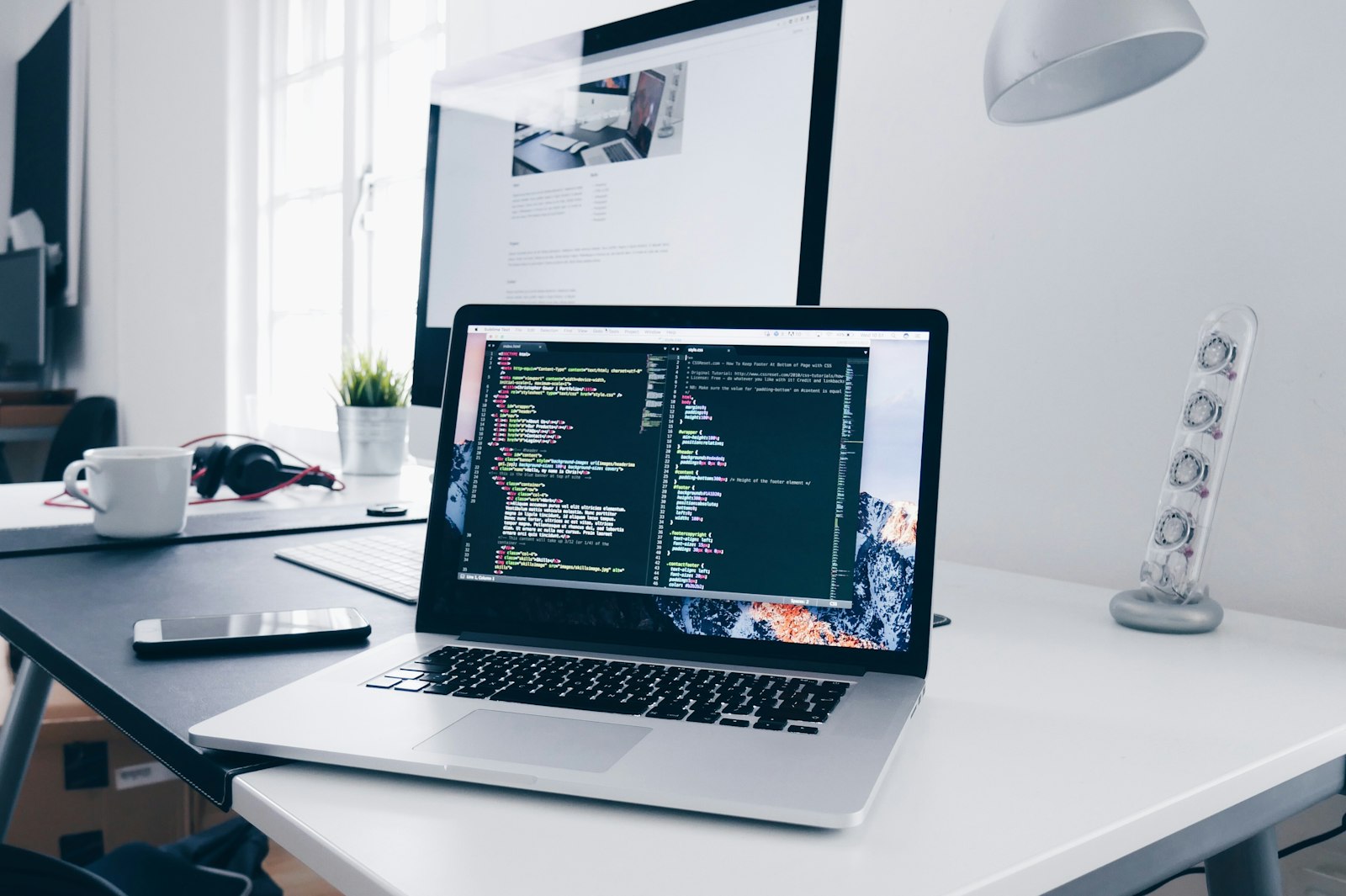
Almost 10 years in web development, and there are still days when I find myself learning something completely new.
I guess that's one of the things I enjoy most about being a developer. Just when you think you've figured something out, another challenge, technology, or approach comes along and gives you something new to explore.
Hi! I'm John Semblante, a web developer based in Cebu, Philippines.
Over the years, I've worked on everything from simple web pages to customized WordPress websites, e-commerce platforms, and more complex web development projects.
But my journey hasn't always been about writing more code or learning more technologies. A big part of it has been understanding how to build better websites, solve real problems, and continuously improve the way I work.
Since this is my very first blog post on my portfolio, I thought it would be a good opportunity to share a little about how I started, what I've learned throughout the years, and where I see myself heading next.
So, here's my story so far.
Where It All Started: HTML, CSS, and JavaScript
Like many web developers, my foundation was built around three familiar technologies: HTML, CSS, and JavaScript.
HTML gave me the structure, CSS brought the design to life, and JavaScript introduced interactivity.
At first, web development was largely about translating designs into actual web pages. It sounds straightforward, but anyone who has worked with front-end development knows that making something look right isn't always as simple as it seems.
A layout might look perfect on a desktop but completely different on a mobile device. A small CSS adjustment could fix one section while unexpectedly affecting another.
And sometimes, you could spend more time figuring out why something isn't aligned properly than actually building the component itself.
If you're a developer, I'm pretty sure you know the feeling.
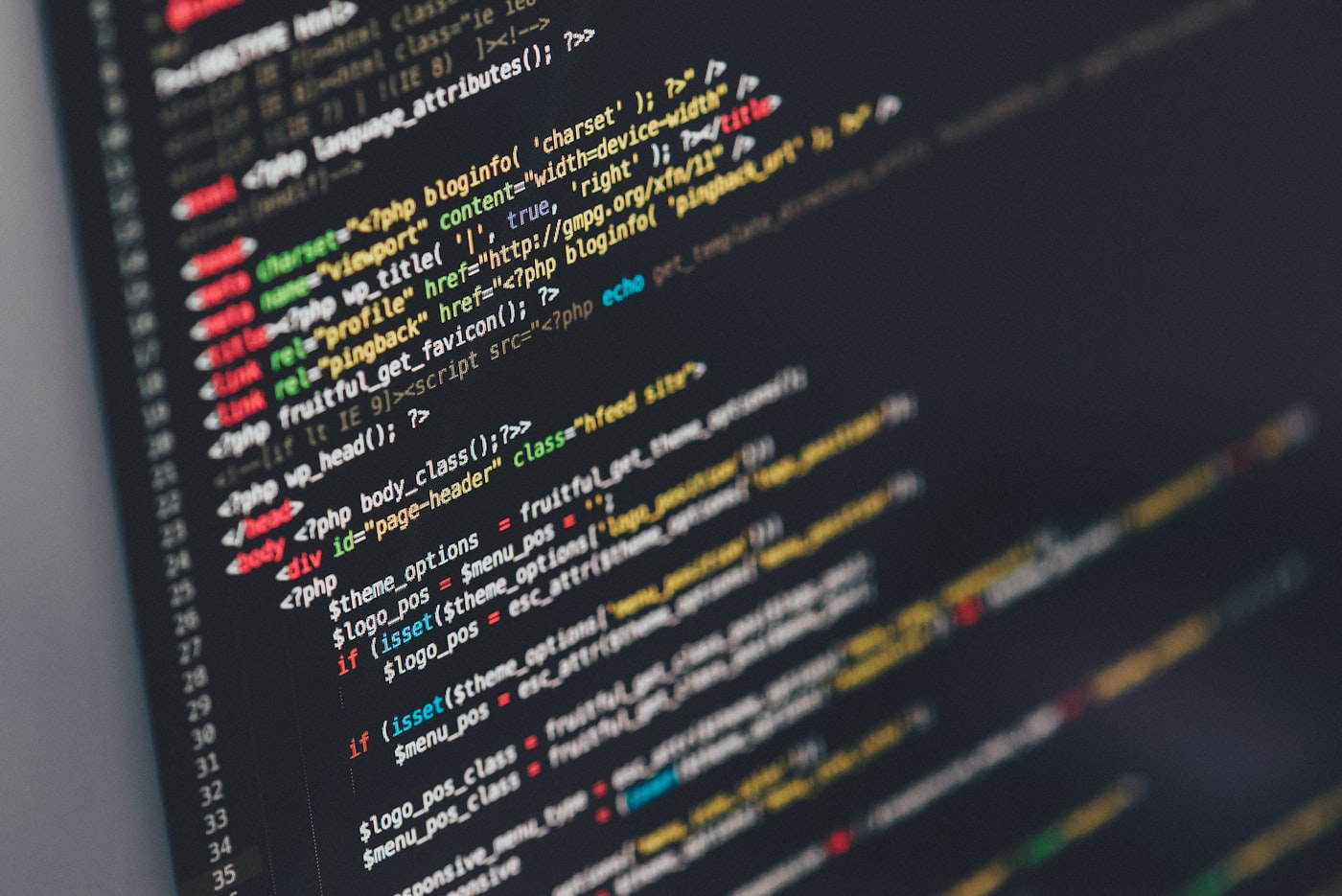
As I gained more experience, I became comfortable transforming designs from PSD and Figma into responsive, functional websites.
I started paying closer attention to the small details: spacing, typography, responsiveness, interactions, and consistency across different screen sizes.
One thing I learned early in my career is that a website looking good in a design file doesn't automatically mean it will work perfectly in a browser.
Bringing a design to life requires both technical skills and an understanding of how real users interact with it.
That foundation eventually helped me take on more complicated projects.
Getting Deeper Into WordPress Development
As my experience grew, WordPress became a major part of my development journey.
What I initially appreciated about WordPress was how it made website content easier to manage. But the more I worked with it, the more I realized how much could be built beyond a traditional blog or basic business website.
I became involved in custom theme development, plugin customization, content management, and creating websites that needed more than the usual out-of-the-box features.
Over time, I worked with technologies and tools such as Advanced Custom Fields (ACF), WooCommerce, Gutenberg, Elementor, Divi, and other WordPress development solutions.
These tools helped me understand that there isn't always one correct approach to building a website.
Some projects benefit from a custom theme. Others work perfectly well with an existing framework or page builder. And sometimes, a requirement calls for writing a custom solution.
What matters is choosing an approach that makes sense for the project.

One of the more interesting aspects of working with WordPress has been building websites for different industries.
I've worked on projects involving business websites, e-commerce, travel, real estate, and other commercial applications.
Each type of project comes with its own requirements.
An e-commerce website needs a smooth shopping experience. A real estate website needs property information that's easy to navigate. A business website needs to communicate its services clearly and encourage visitors to take action.
It's not simply about making every website look different.
It's about understanding what the website is supposed to accomplish and building around that purpose.
As my experience expanded, I also worked with more customized functionality, including user dashboards, integrations, and features that go beyond standard WordPress pages.
Those experiences helped me become more comfortable working with both the visual and functional sides of website development.
And while WordPress has been a major part of my career, it has also taught me skills that apply far beyond the platform itself.
Learning That Web Development Is More Than Just Coding
Earlier in my career, a lot of my attention went toward making sure a website matched its design.
Was the layout correct? Were the fonts consistent? Did the buttons work? Was everything responsive?
Those details still matter, of course.
But after working on more websites, I realized that delivering a good website involves much more than getting the visual design right.
A website can look impressive and still provide a poor experience.
It might load too slowly, become difficult to use on smaller devices, or have accessibility issues that prevent certain users from navigating it properly.
It could also be difficult for the website owner to manage or update.
This changed the way I approached development.
I started giving more attention to performance optimization, accessibility, SEO fundamentals, website analytics, maintainability, and the overall user experience.
Tools such as Google Analytics and Google Tag Manager also became part of my development experience, helping connect website implementation with how websites are measured and used.
I began thinking more about questions like:
- Is this website easy to navigate?
- Does it perform well on different devices?
- Can users find the information they need?
- Is the code maintainable for future updates?
- Can the website owner manage content without unnecessary complications?
These considerations might not always be the most visible parts of a website, but they make a significant difference.
Good web development isn't just about what people see. It's also about how everything works behind the scenes.
That's a lesson I continue to carry into every project.
The Challenges That Helped Me Improve
Of course, working in web development for several years doesn't mean everything becomes easy.
There are still bugs that take longer than expected to fix, requirements that change midway through development, and existing codebases that need time to understand.
Sometimes the challenge isn't even writing new code.
It's figuring out why something that was working yesterday suddenly isn't working today.
Debugging WordPress behavior, tracking down plugin conflicts, fixing responsive layout problems, or investigating unexpected JavaScript issues are all part of the job.
And then there are the situations where a seemingly small request turns out to involve several connected components.
One thing I've learned is that being a developer doesn't mean knowing the answer to every problem immediately.
It means knowing how to approach the problem.

Working with development teams has also helped me appreciate the importance of communication, collaboration, version control, and properly testing changes before considering a task complete.
Tools like Git make it easier to manage changes, but good collaboration still depends on understanding requirements and being clear about what you're working on.
I've also become more comfortable with testing and verifying functionality rather than assuming that everything works just because the page looks correct.
These may sound like ordinary parts of a developer's workflow, but they're the kinds of habits that make a difference over time.
Looking back, I think a lot of professional growth happens during these less exciting moments.
Not necessarily when you're building something impressive, but when you're patiently figuring out what's wrong and learning how to prevent the same issue from happening again.
Moving Beyond WordPress: React, Next.js, and Modern Development
WordPress continues to be one of my strongest areas of experience, but I've always been interested in exploring what else web development has to offer.
As modern JavaScript frameworks became more prominent, I started spending time learning and working with technologies such as React and Next.js.
This opened up another perspective on how websites and web applications can be structured.
Working with components, modern application architecture, and JavaScript-driven interfaces introduced different ways of thinking compared with traditional WordPress development.
I don't see these technologies as replacements for everything I've learned.
Instead, I see them as additional tools that expand what I can build.
My experience with HTML, CSS, JavaScript, responsive design, and content management still provides a useful foundation when exploring newer technologies.

More recently, another major area I've been exploring is AI-assisted development.
Tools integrated into modern development environments have made it possible to experiment with new approaches to coding, debugging, documentation, and repetitive development tasks.
I've been exploring how AI can fit into my workflow, especially when it comes to improving productivity and learning unfamiliar concepts.
But I also believe it's important not to rely on these tools blindly.
AI-generated code still needs to be understood, reviewed, tested, and maintained.
For me, AI is another tool in the development process. It can help speed things up, but it doesn't remove the need for understanding how the code actually works.
And with how quickly technology continues to change, I think being willing to adapt is becoming just as important as knowing any particular framework.
A Few Things I've Learned Along the Way
After spending nearly a decade working in web development, there are a few lessons that have stayed with me.
1. You Don't Need to Know Everything
Web development covers an enormous range of technologies.
There will always be a framework you haven't tried, a concept you don't fully understand, or a tool that someone else knows better.
And that's fine.
What's more important is having a solid foundation and being willing to learn when a project requires something unfamiliar.
2. Understanding the Problem Matters More Than Jumping Into Code
It's tempting to start coding as soon as you receive a task.
But I've learned that understanding the requirement properly can save a lot of time.
Sometimes the most efficient solution isn't the most complicated one.
A simple, maintainable implementation that meets the actual requirement is often better than an unnecessarily complex approach.
3. Small Details Make a Big Difference
Spacing, responsiveness, loading speed, accessibility, and consistent behavior might seem like minor concerns when viewed individually.
But when these things come together, they can significantly affect how professional and usable a website feels.
Paying attention to details has been one of the most valuable habits I've developed.
4. Tools Will Change, but Fundamentals Still Matter
I've worked with different development tools and approaches throughout my career, and I expect that list to keep growing.
But regardless of which framework or platform I'm using, the fundamentals remain useful.
Understanding HTML, CSS, JavaScript, application behavior, and how to solve problems gives me something to build on whenever I explore a new technology.
5. There's Always Room to Improve
This is probably the biggest lesson of all.
No matter how long you've been developing websites, there's always something you can do better.
Sometimes that means learning a new technology. Other times, it's improving your code structure, communication, testing process, or the way you approach a familiar problem.
I don't think learning ever really stops in this profession.
And personally, I wouldn't want it to.
What's Next for Me?
At this point in my career, I'm continuing to build on the experience I've gained while exploring new areas of technology.
WordPress and front-end development remain important parts of my professional background.
At the same time, I'm interested in strengthening my skills in modern JavaScript development, AI-assisted workflows, automation, and other areas that can help me become a more versatile developer.
I'm also interested in sharing more of what I learn.
That's actually one of the reasons I've decided to start writing here.
For a long time, most of my development work has been focused on building websites, solving technical issues, and completing projects.
Writing about those experiences wasn't always something I prioritized.
But I think there's value in documenting the journey, not only the finished results.
Sometimes a simple explanation of how you solved a problem can help someone who happens to be dealing with the exact same issue.
And sometimes, writing about your own process helps you understand it better too.
Through this blog, I plan to share development experiences, WordPress tips, project insights, experiments with newer technologies, and lessons I pick up along the way.
Not every article will be a complicated technical tutorial.
Some might just be observations, practical solutions, or interesting things I've discovered while working on a project.
The idea is to make this space useful, genuine, and worth coming back to.
The Journey Continues
When I look at how my development experience has grown, it's interesting to see how much has changed.
From building responsive pages with HTML and CSS to developing customized WordPress websites and exploring modern web technologies, every stage has given me something valuable to learn.
There have been challenges, plenty of debugging sessions, and countless opportunities to improve.
And I'm sure there will be many more.
Even after all these years, I still enjoy the process of taking an idea, figuring out how to build it, and eventually seeing it work.
That's one of the things that continues to keep me interested in web development.
I don't know exactly what technologies I'll be working with several years from now. But I'm looking forward to finding out.
For now, I'll just keep building, learning, and sharing what I discover along the way.
This is only the beginning of what I hope to share on this blog.
Thanks for taking the time to read my first post!
If you're curious about the kind of websites and projects I've been involved with, feel free to explore my portfolio.
Until the next one!
John Semblante Wordpress/Full Stack Developer | Cebu, Philippines